
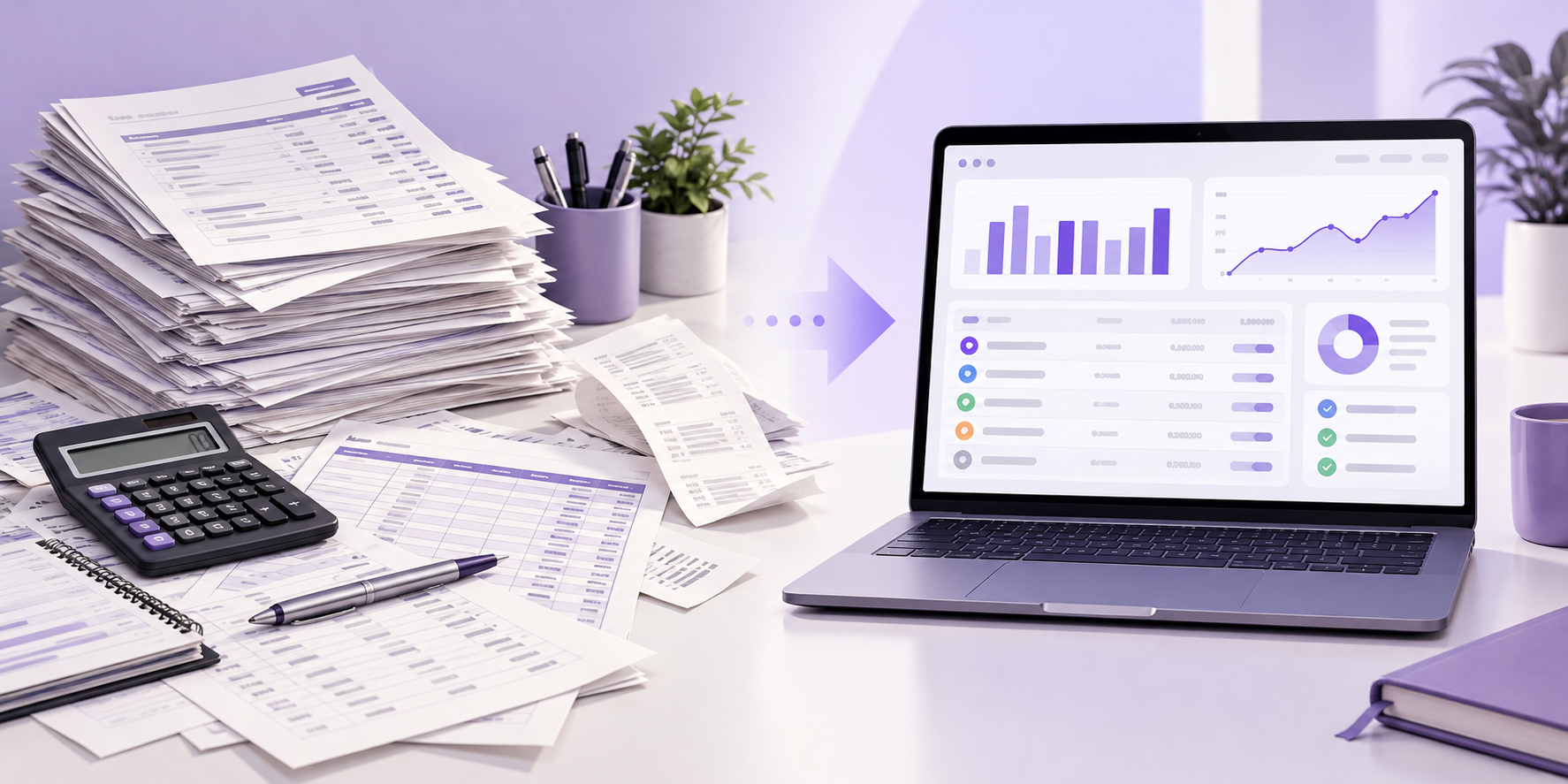
Six months of statements. Up to ten pages each. One reviewer reading every line, then retyping the figures into a spreadsheet. Bank statement analysis is a core step for lenders, finance teams, and anyone who needs to confirm income and cash flow, and doing it by hand does not hold up as volume grows. That is why more teams are moving to automated analysis. This article compares the two approaches and explains why teams make the switch.
What Bank Statement Analysis Involves
Bank statement analysis is the process of reading a bank statement (rekening koran in Indonesia) to understand how money moves in and out of an account. Reviewers usually look at five things:
- Income: how much comes in, how often, and from whom
- Cash flow: how inflows compare with outflows each month
- Recurring obligations: loan installments, rent, and subscriptions
- Balances: the opening and closing balance, and how low it gets
- Unusual transactions: large one-off transfers, round-number deposits, or gaps in activity
Most lenders ask for three to six months of statements, so these patterns show up over time instead of in a single month.
Where Manual Analysis Falls Short
Manual analysis works for one statement. It struggles at ten, and it breaks down at a hundred. Four problems come up again and again:
- Volume: A six-month statement can run to ten pages. Multiply that by every applicant or client in the queue.
- Different formats: Every bank lays out its statement differently, and scanned copies add more work.
- Retyping errors: Copying figures into a spreadsheet invites mistakes. One transposed digit turns 4,950,000 into 4,590,000.
- Reviewer differences: Two reviewers can read the same transfer and label it differently. One calls it income. The other calls it a loan.
What Automated Bank Statement Analysis Does Differently
Automated analysis reads the statement and turns each transaction into a structured row: date, description, amount, and balance. It then groups transactions into categories such as salary, transfers, and loan installments, and totals them by month.
The reviewer starts from a summary instead of a blank page. Unusual items are flagged, so the reviewer knows where to look first. A good tool also lets you trace each figure back to the line on the statement it came from.
The person still decides. Automation prepares the evidence. It does not approve an application or sign off the books.
Manual vs Automated: Side by Side
| Manual analysis | Automated analysis | |
|---|---|---|
| Process | Read each line, retype into a spreadsheet | Statement is read and transactions are structured |
| Bank formats | Reviewer adapts to each layout | Handled in one workflow |
| Consistency | Varies by reviewer | Same rules applied to every statement |
| Errors | Retyping mistakes | No retyping step |
| Unusual transactions | Found if the reviewer notices | Flagged for review |
| Audit trail | Notes in a spreadsheet | Each figure linked to its source line |
| Final decision | Reviewer | Reviewer |
Why Credit Teams Make the Switch
Lenders feel this problem first. Every loan application arrives with three to six months of statements, and each one has to answer the same questions. Is the income real? Is it regular? What does the applicant already owe each month?
When a credit analyst reads statements by hand, the answers depend on who reviewed the file. Automated analysis gives every application the same treatment: income is totaled, monthly cash flow is calculated, and recurring installments are listed in one place. The analyst spends time on the cases that need judgment instead of on retyping.
There is also a record to point to. If a decision is questioned later, the team can show which transactions supported the income figure.
Signs It Is Time to Switch
Not every team needs automation on day one. These signs show that manual review has stopped working:
- Reviewers spend more time retyping figures than judging them
- The same statement gets different answers from different people
- Files wait in a queue because only one person knows a bank’s layout
- You cannot show how an income figure was reached
- You add headcount only to keep up with incoming files
If two or more sound familiar, the cost is already there. It just sits in overtime and rework instead of on a line in the budget.
What to Look for in an Automated Tool
A tool that only extracts numbers still leaves the checking to you. Look for these:
- Source tracing: every figure links back to its line on the statement
- Editable categories: you can correct how a transaction is labeled
- Visible mismatches: differences are flagged, not smoothed over
- Human decision: the reviewer approves, not the software
- File handling: a clear answer on how files are stored and who can open them
Check the Statement Is Genuine First
Analysis is only as good as the document behind it. A clean cash-flow summary of an edited statement is still wrong. Before you rely on the figures, check that the statement holds together:
- Does each month’s closing balance match the next month’s opening balance?
- Do the running balances add up after every transaction?
- Does the account holder’s name match the applicant’s other documents?
- Do the salary credits match what the payslip says?
A mismatch does not prove fraud. It tells the reviewer where to look.
Analyze Bank Statements with AnyCheck by Fintelite
Stop reading bank statements line by line. AnyCheck by Fintelite turns any bank statement, whether a PDF or a scanned copy, into a structured analysis your team can act on. You get a clear cash flow summary, an expense pattern that shows where the money goes, credits and debits sorted into money in and money out, and the balance as it moves through the period. Fraud detection flags signs that a statement may have been altered, so you know where to look closer before you decide.
You decide. AnyCheck flags what does not match.
Ready to see how it reads your own statements? Try AnyCheck by Fintelite for free.
FAQ
How many months of bank statements should I analyze?
Lenders commonly ask for three to six months. Longer periods show trends in income and spending, while a single month can hide irregular income.
Does automated analysis replace the reviewer?
No. It prepares the figures and flags what needs attention. The reviewer still makes the decision.
Can analysis tell whether a bank statement is fake?
AnyCheck by Fintelite checks bank statements for signs of tampering and flags what does not match, such as balances that do not add up or figures that differ from other documents. A flag is a reason to look closer, not proof of fraud. You make the final call.
Is a bank statement the same as a rekening koran?
Yes. Rekening koran is the Indonesian term for a bank statement.