Most of the hours in invoice processing go to retyping invoice data and checking it against purchase orders and goods receipts. Invoice processing software automates both, capturing the data automatically and matching it before anyone approves payment.
For businesses in Malaysia, choosing invoice processing software means finding a tool that reads every supplier’s invoice layout and captures ringgit amounts correctly the first time. Accurate capture is what makes the matching step reliable, so both need to work together.
In this post, we compare five invoice processing software solutions for Malaysian businesses covering their key features for data capture & matching, so you can see which one fits your needs.
What Is Invoice Processing Software and How Does It Work?
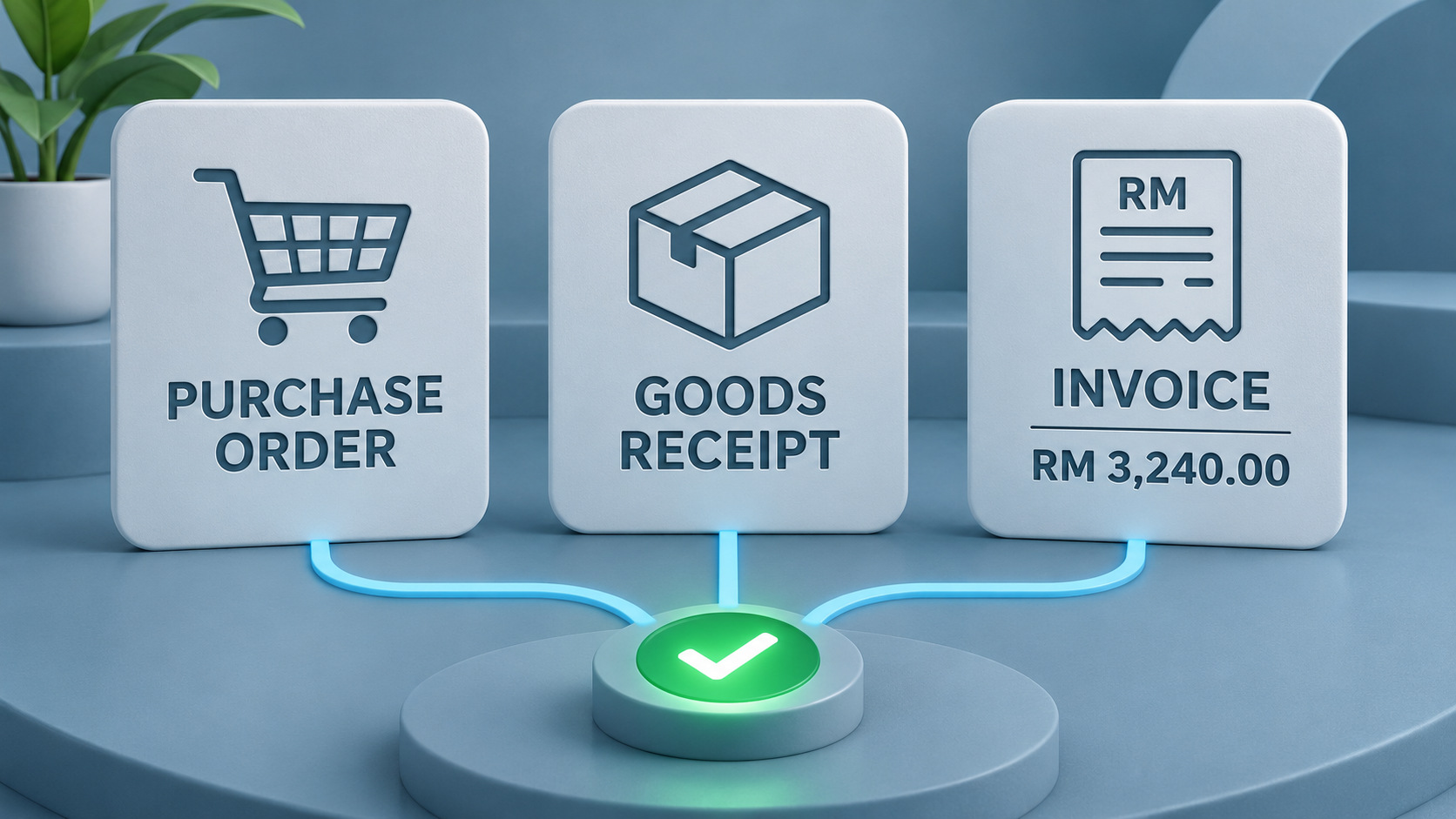
Invoice processing software automates the collection and verification of supplier invoice data. It uses OCR to capture invoice details and automated matching to validate them against purchase orders and goods receipts, helping finance teams move invoices to payment with less manual effort.
Most tools follow five core steps:
- Receive: Invoices arrive by email, upload, supplier portal or scan, and land in one inbox instead of scattered folders.
- Capture: AI-based OCR reads the supplier name, invoice number, dates, line items, totals, whatever the layout.
- Match: Each invoice is checked against its purchase order, and against the goods receipt for 3-way matching. Duplicate invoices and wrong totals are caught here too.
- Flag: Anything outside your tolerance, such as a price difference or a missing receipt, is flagged as an exception for your team to review.
- Route: Clean invoices, and exceptions once resolved, go to the right approver, then on to payment and your accounting system with a full audit trail.
Best Invoice Data Capture & 3 Way Matching for Malaysian Businesses
Already using an ERP or accounting system to manage your finances? You don't necessarily need to replace it to improve your invoice processing workflow. What matters is how accurately invoice data is captured and how efficiently it is validated against purchase orders and goods receipts. The right software can complement your existing system by automating these steps before invoices move to approval and payment.
Here, we've shortlisted five invoice processing software solutions for Malaysian businesses in 2027.
1. AnyCheck
AnyCheck provides an AI-powered invoice processing workflow that extracts invoice data, matches it against supporting documents, and converts it into structured data ready for posting in minutes.
Built to support the way accounts payable teams work in Malaysia, it adapts to different supplier invoice layouts, whether received as PDFs, photos, or scanned documents. With a pay-per-check pricing model, businesses can process invoices based on actual usage without committing to a fixed subscription. Watch a short video on how it works or try for free.
Key features:
- Multi-Layout Data Extraction in Multiple Languages: Extracts invoice details across different supplier formats and languages, including Bahasa Melayu and English. Captures key information such as supplier names, invoice numbers, dates, line items, totals, and SST details.
- Configurable 3-Way Matching: Automatically matches invoices against purchase orders and goods receipts based on predefined business rules.
- Maximum Amount Alerts: Set amount thresholds to flag invoices that exceed predefined limits, helping AP teams identify transactions that need additional review.
- ERP-Ready Output: Exports structured invoice data in formats ready for integration or import into existing ERP and accounting systems.
2. Doxis
Doxis offers invoice automation designed to manage accounts payable processes, from invoice capture and data extraction to matching and approval. It processes invoices across different formats without relying on fixed templates. Its solution also supports integration with ERP systems, helping businesses connect invoice processing with their existing financial workflows.
Key features:
- Intelligent Invoice Recognition: Extracts invoice details across different layouts and formats using pre-trained AI models.
- PO and Goods Receipt Matching: Compares invoice information against purchase orders and goods receipts to identify discrepancies.
- Rule-Based Approval Routing: Directs invoices to the appropriate approvers based on predefined business rules.
3. Docsumo
Docsumo is an AI-powered document processing platform that helps businesses extract and validate invoice data across different formats. It captures both invoice header information and detailed line items, including data from multi-page documents, before sending structured results to downstream systems.
Key features:
- Line-Item Extraction: Captures invoice headers, individual line items, quantities, prices, and totals across different layouts.
- Confidence Score Assessment: Assigns confidence scores to extracted fields to help users identify data that may require verification.
- Purchase Order Verification: Compares invoice details against purchase orders and flags discrepancies for review. PO matching is available on the Enterprise plan.
- Custom Data Schemas: Allows businesses to define output fields and structure extracted data according to their requirements.
4. Rossum
Rossum is another Intelligent Document Processing platform that can be used to automate invoice data capture and validation for accounts payable teams. It extracts invoice details across different layouts, including complex line items and multi-page documents.
Key features:
- Template-Free Invoice Extraction: Captures invoice headers, line items, quantities, prices, and other details across different formats and languages without requiring predefined templates.
- Multi-Level Document Matching: Supports 2-way, 3-way, and 4-way matching to validate invoice details against purchase orders, goods receipts, and other documents.
- Custom Validation Rules: Applies configurable checks to identify missing information, data inconsistencies, and discrepancies that require review.
- ERP Data Integration: Connects with systems such as SAP, Coupa, and Oracle to validate invoice data and transfer processed information.
5. SAP Concur Invoice
SAP Concur Invoice is an invoice management solution that helps businesses automate invoice capture, data extraction, validation, and approval workflows. It digitizes invoice details from different submission formats, and flags discrepancies before they move through the approval process.
Key features:
- AI-Powered Invoice Data Capture: Extracts key invoice details, including vendor names, invoice numbers, dates, and amounts, using OCR.
- Purchase Order and Receipt Matching: Compares invoice information against purchase orders and receipts to validate transaction details.
- Discrepancy Identification: Flags mismatches and other issues for review before invoices proceed to approval.
- Automated Approval Routing: Routes invoices to the appropriate approvers based on predefined workflows and approval policies.
Final Thoughts: Choosing the Right Tool for Your Business
If your business needs a comprehensive enterprise solution with established ERP capabilities, platforms like Doxis and SAP Concur Invoice are worth exploring. For a more straightforward way to automate invoice data capture and matching without adding unnecessary complexity to your existing workflows, AnyCheck is a practical option.
It helps your team extract invoice data across different supplier layouts, Bahasa Melayu and English, validate details against purchase orders and goods receipts, and prepare structured data for your existing ERP or accounting system.
Frequently Asked Questions
1. What is invoice processing software?
Invoice processing software automates how businesses receive, capture, validate, and process supplier invoices. It uses technologies such as OCR and automated document matching to extract invoice data, check it against supporting documents, and prepare invoices for approval and payment.
2. Can invoice processing software automate 3-way matching?
Yes. Invoice processing software can automatically compare invoice details against purchase orders and goods receipts. It checks key information such as item descriptions, quantities, and prices to identify discrepancies and determine whether the documents match.
3. What happens when a mismatch is detected during invoice processing?
When software detects a mismatch, such as an incorrect price, quantity difference, or missing goods receipt, it flags the invoice for review. The AP team can investigate the discrepancy, verify the supporting documents, and resolve the issue before the invoice proceeds to approval.
4. Can invoice processing software handle different invoice formats?
Yes. AI-powered invoice processing software can extract data from PDFs, scanned documents, and invoice photos across different supplier layouts. Some solutions also support multiple languages, making them useful for businesses receiving invoices from various suppliers.
5. How does invoice processing software integrate with existing ERP systems?
Invoice processing software can connect with ERP systems through APIs, direct integrations, or structured data exports. This allows extracted and validated invoice data to flow into existing financial systems, reducing manual data entry and keeping records consistent.